Two or more dates in, the dates they point to out
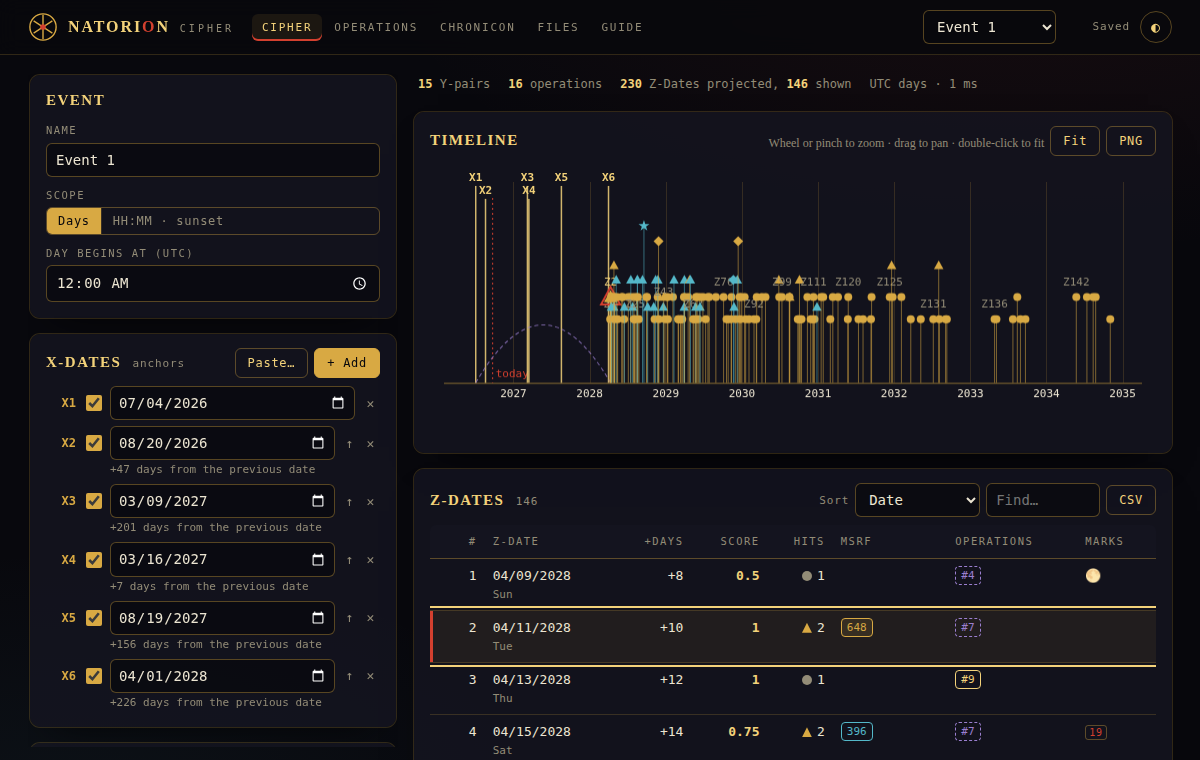
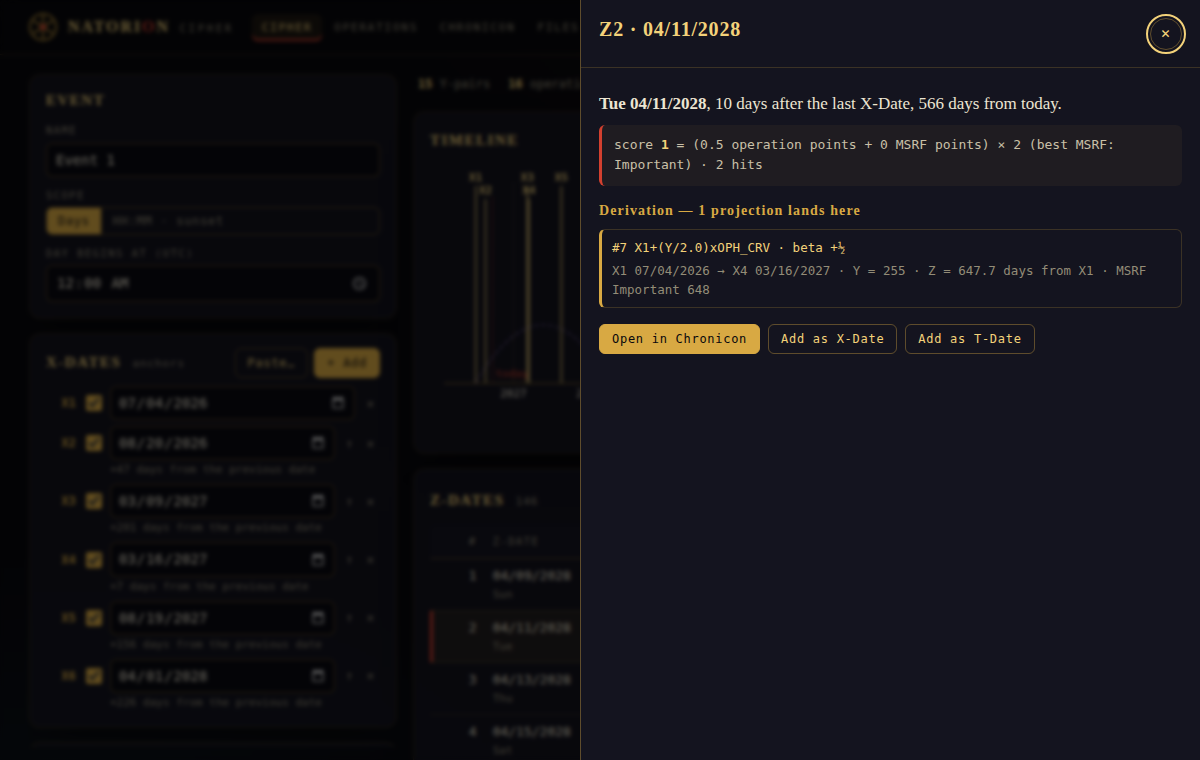
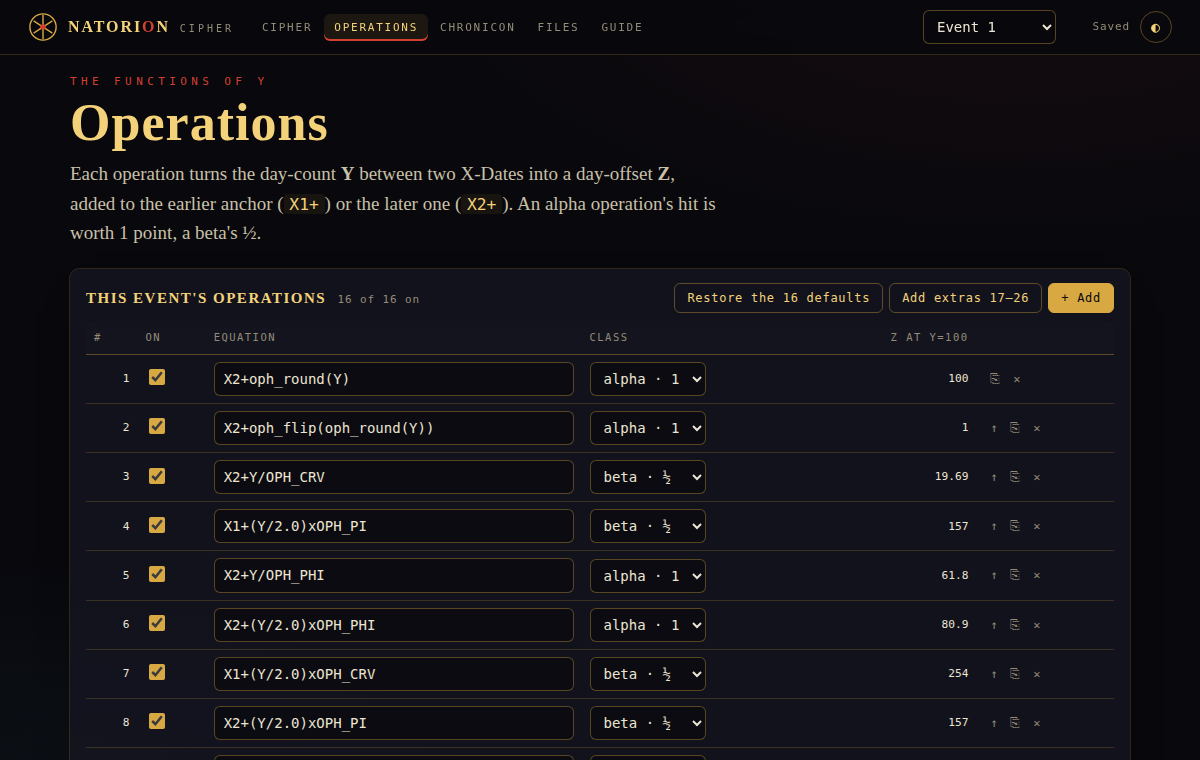
You give it dates that matter — X-Dates. It counts the days between every pair (Y), runs each count through sixteen small formulas, and lists the future days those formulas land on (Z-Dates), scored and ranked. Days whose counts hit the MSRF number sets score higher. Every result opens to show exactly how it was derived.
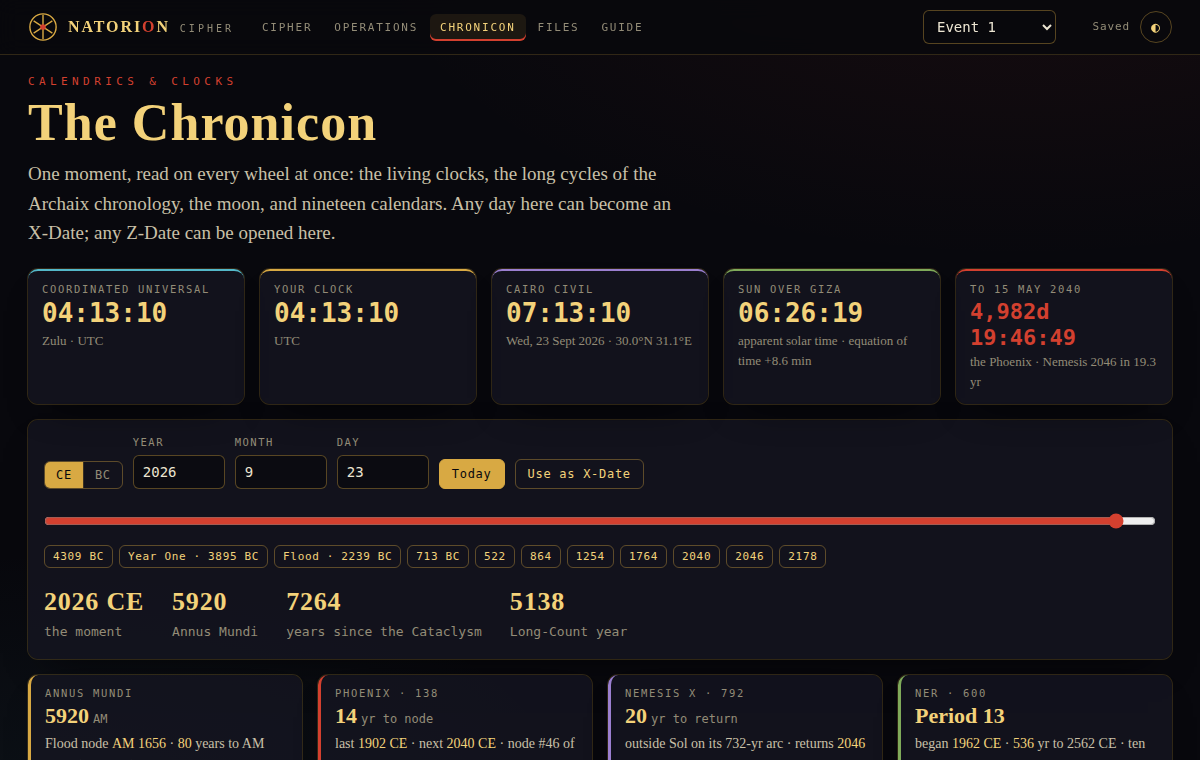
Alongside it sits the Chronicon: living clocks, the 138-year Phoenix lattice, Nemesis on its 792-year loop, the NER epochs and the baktuns, the moon, nineteen calendars, the event ledger — and the written Dossier on the Stone, Petrie ↔ Breshears and the 138-faced year. A day there can become an X-Date; a Z-Date can be opened there.
And the Studio turns an event into a production package for an animated history documentary: a 5-, 10- or 15-minute voiceover script in numbered paragraphs, look cards for the characters, an image prompt and an animation prompt for every paragraph, a thumbnail and the upload text — all written from the numbers, in the browser, with no model involved.
Three steps
- Open the app. It loads with an example already in place, so the results are on screen at once.
- Change the X-Dates to your own — click a date, or Paste… a list like
07/04/2026, 08/20/2026, 03/09/2027. The table and the timeline update as you go. - Sort by Score, click a row to see its derivation, and Save .oph (Ctrl+S) to keep a file. Your work also stays in the browser between visits.
Files from the original Ophis desktop app open as they are, and files saved here open in Ophis.
Six screens
Studio
A documentary from the numbers: the script, the look cards, an image and an animation prompt for every paragraph in batches of five, the thumbnail, the title, description and tags. Copy each step or save it all as Markdown.
Files
Open and save .oph, export CSV and Excel, keep several events in one document, copy settings between them.
Guide
The scoring rules, the MSRF sets, and every deliberate difference from the original, in one page.
Phone-ready
Everything stacks into one column on a phone. Pinch the timeline to zoom.
Checked against the original, line for line
Random events run through the original Ophis v12 code and through Natorion, side by side. Every Z-Date, score, hit and MSRF match agreed.
The real app, driven in Chromium: every screen, a known projection, files in and out, sunset scope, persistence, phone width.
Deliberate breaks to the app that the browser test catches. The thirtieth is a stylesheet rule that other rules already cover.
Formulas are parsed by a small grammar and never run as code. A shared .oph file cannot carry anything but arithmetic.
Sunsets and moon phases come from Astronomy Engine; time zones from your browser's own database (the original ships 2023 zone rules, so a place whose rules changed since reads an hour apart in HH:MM scope). The details are in the README.
Where it came from
Ophis v12 is an offline Electron app whose source ships un-obfuscated. This repository took it apart as a white-box study of .exe packaging and Electron attack surface, found the code-execution hole in its shared preset files, and then rebuilt the engine so that hole cannot exist. The write-up is the portfolio piece; the app is the proof.
The original is here too: the v12 .exe's own code, unchanged, running in your browser with a small stand-in for Electron. It behaves exactly like the desktop program, including that hole, so open only .oph files you trust.
Ophis Web sits between the two: the same v12 engine rewritten as a plain web page with a new interface and without the Chronicon. It parses formulas instead of running them as code, and its own test runs it side by side with the original. The Hardened Engine Lab shows the fix on a single page: the original new Function() path and the safe parser, fed the same formulas and the same attack strings. The single-file build is an earlier ground-up rebuild of Ophis in one self-contained HTML file.
19 · 91 · 138 · 831 · seed · cast · read · read · cast · seed